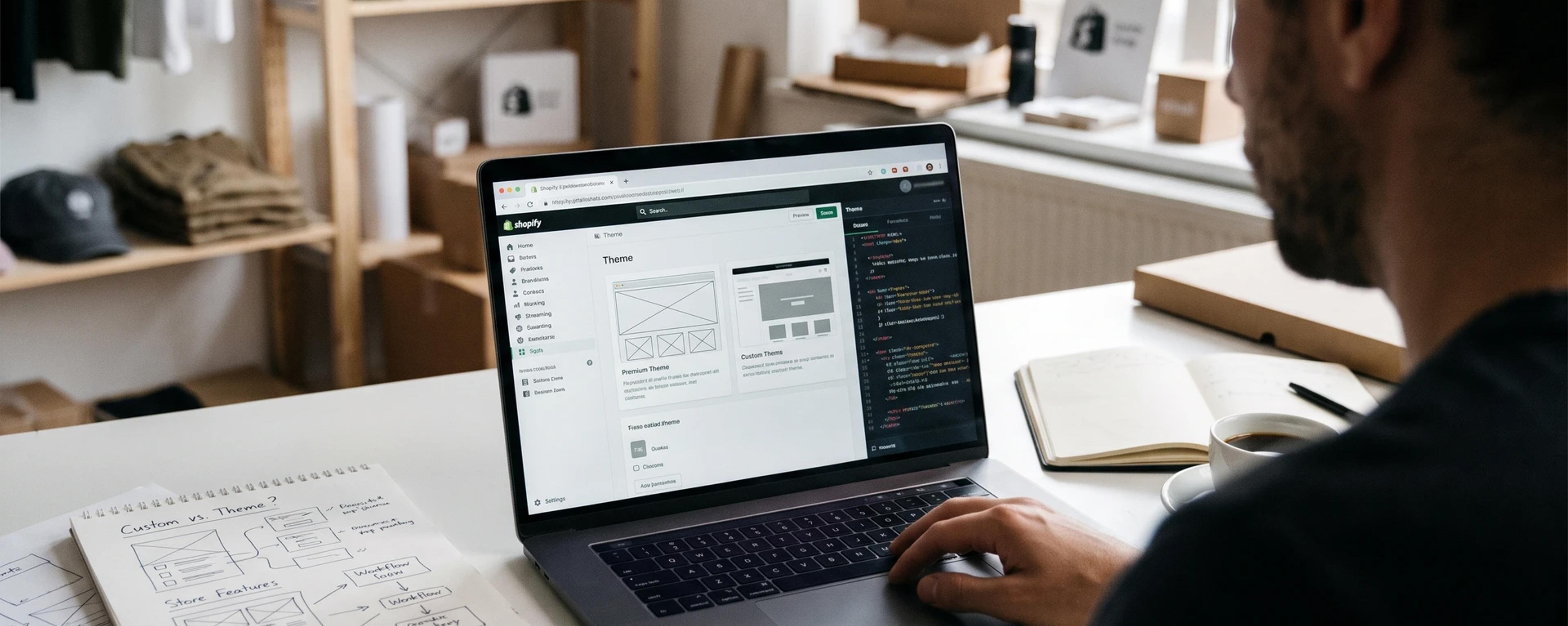
Every Shopify project starts with the same question: do we buy a theme, or build one? There's no single right answer. The best choice depends on your catalogue, your brand, your budget and how much your store needs to do beyond a standard product page.
What a premium theme gives you
Themes from the Shopify Theme Store are reviewed by Shopify before they're listed, and they're built on Online Store 2.0, so you can add, remove and reorder sections on every page from the theme editor. You pay once, install it, and the developer ships updates over time.
For a new store with a standard catalogue, that's hard to beat: you can launch in days or weeks, and your team can manage most content without a developer.
Where premium themes start to struggle
- You look like other stores. Popular themes are used by many shops, and it shows.
- Heavy edits make updates harder. The more you change a purchased theme's code, the harder it is to take the developer's updates.
- You load features you don't use. Themes are built for many kinds of store, so they carry code yours may never need.
- Unusual flows need workarounds. Product configurators, B2B pricing or bundles often end up as extra apps layered on top.
What a custom theme gives you
A custom theme is designed around your brand and your customers, not a template. It only includes the code your store uses, which gives you more control over performance, and its sections are designed for the content your team actually publishes.
The trade-off is time and budget: a custom theme needs design, development and testing, and you'll want a partner to maintain it.
Side by side
| Premium theme | Custom theme | |
|---|---|---|
| Time to launch | Days to weeks | Weeks to months |
| Upfront cost | Low, one-time | Higher |
| Unique look | Limited | Fully yours |
| Performance control | Partial | Full |
| Updates | From the theme developer | From your development partner |
The middle ground: customise a solid base
For many stores the best value is in between: start from a well-built base — such as Dawn, Shopify's free reference theme, or a premium theme you already like — and add custom sections for the parts that make your store different. You launch faster than a full custom build and still get a store that looks and works like yours.
How to decide
Ask yourself four questions:
- Does a theme demo already look 80% like the store you imagine?
- Do your products need anything beyond a standard product page?
- How many apps are you paying for to fill gaps in your theme?
- Is your brand's look a key reason customers buy from you?
If you answered "yes" to the first question and "no" to the rest, a premium theme is a great start. The more the answers lean the other way, the more a custom or semi-custom theme pays off.
Bluppit
The Bluppit team builds Shopify themes and apps, websites and web apps from Paredes, Porto.